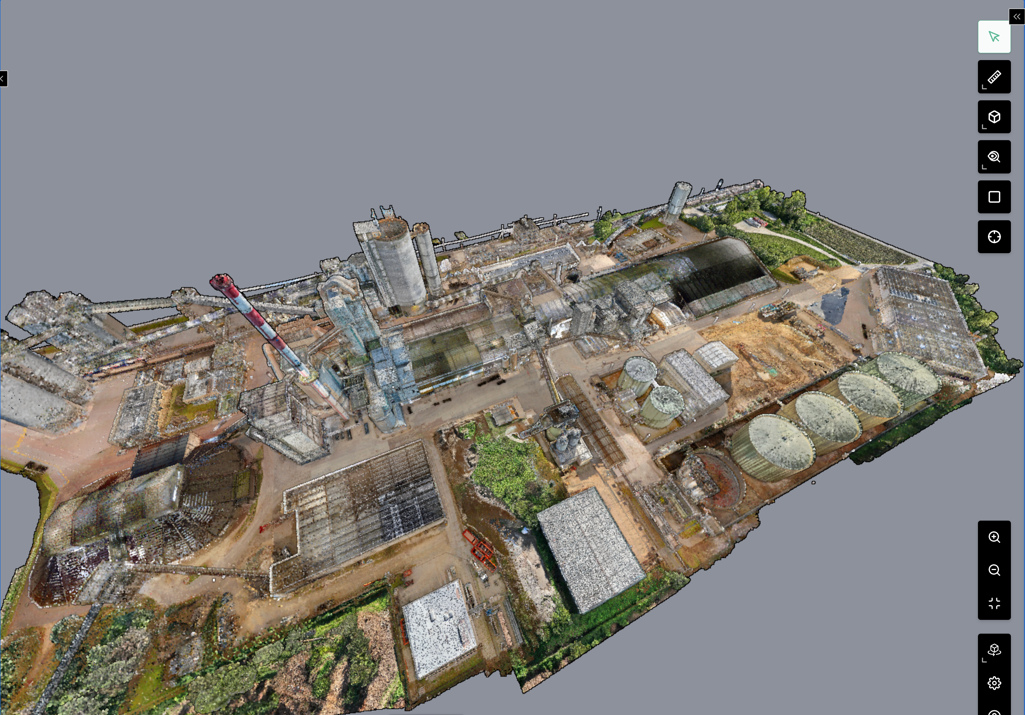
Map the full site
Build the asset-data foundation.
EquipmentDocuments export
exportStart with a priority capture area, then extend the asset foundation across the site.


CEMEX Balcones
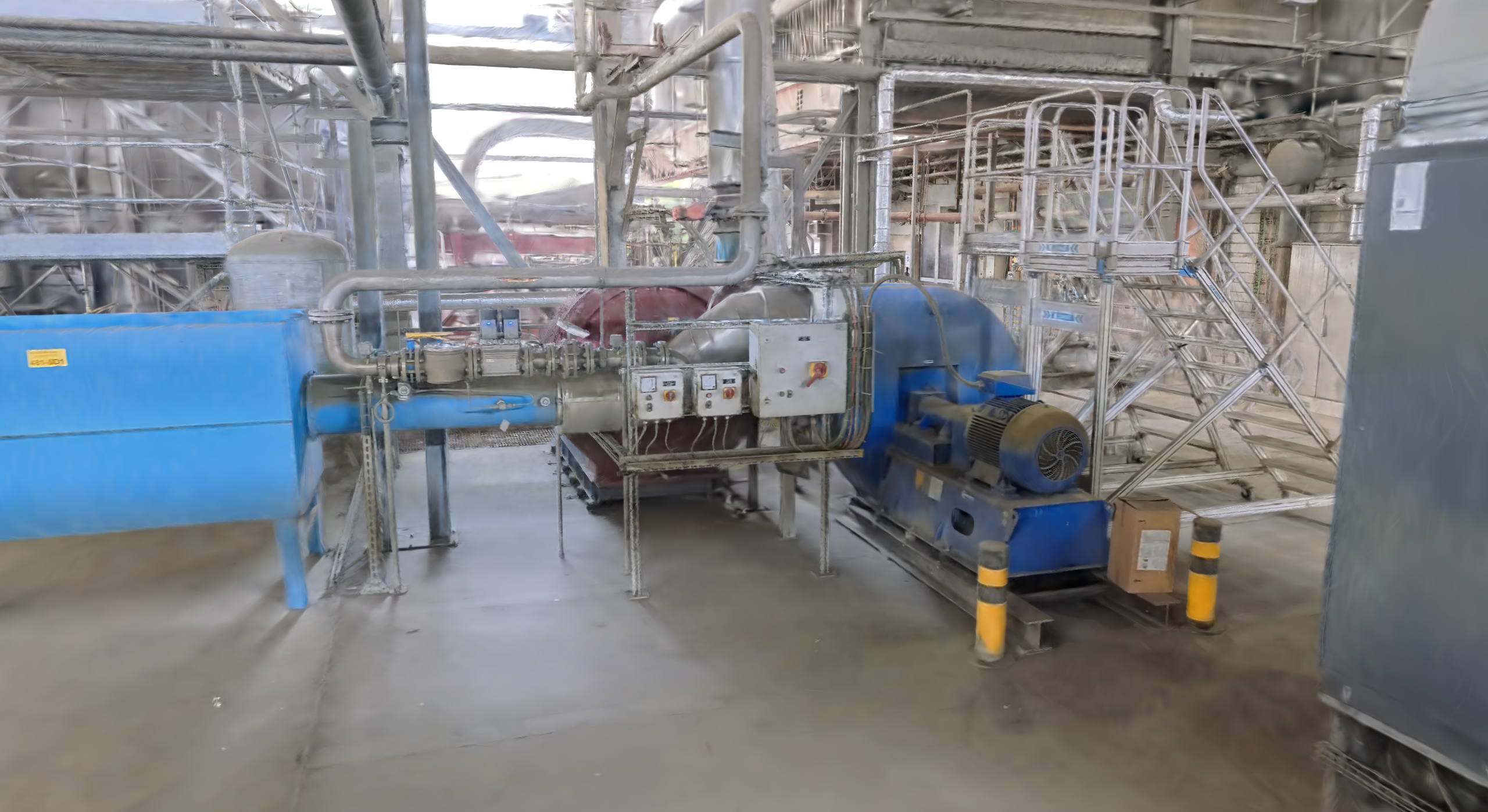
01 · Capture reality
Walk the plant. Bring in its knowledge.
02 · Spatial intelligence
Reality + plant knowledge + system records. One shared context.
03 · Spatial workflows
Connect the visible task to the planning, approvals and follow-up.
04 · Clarity capabilities
PM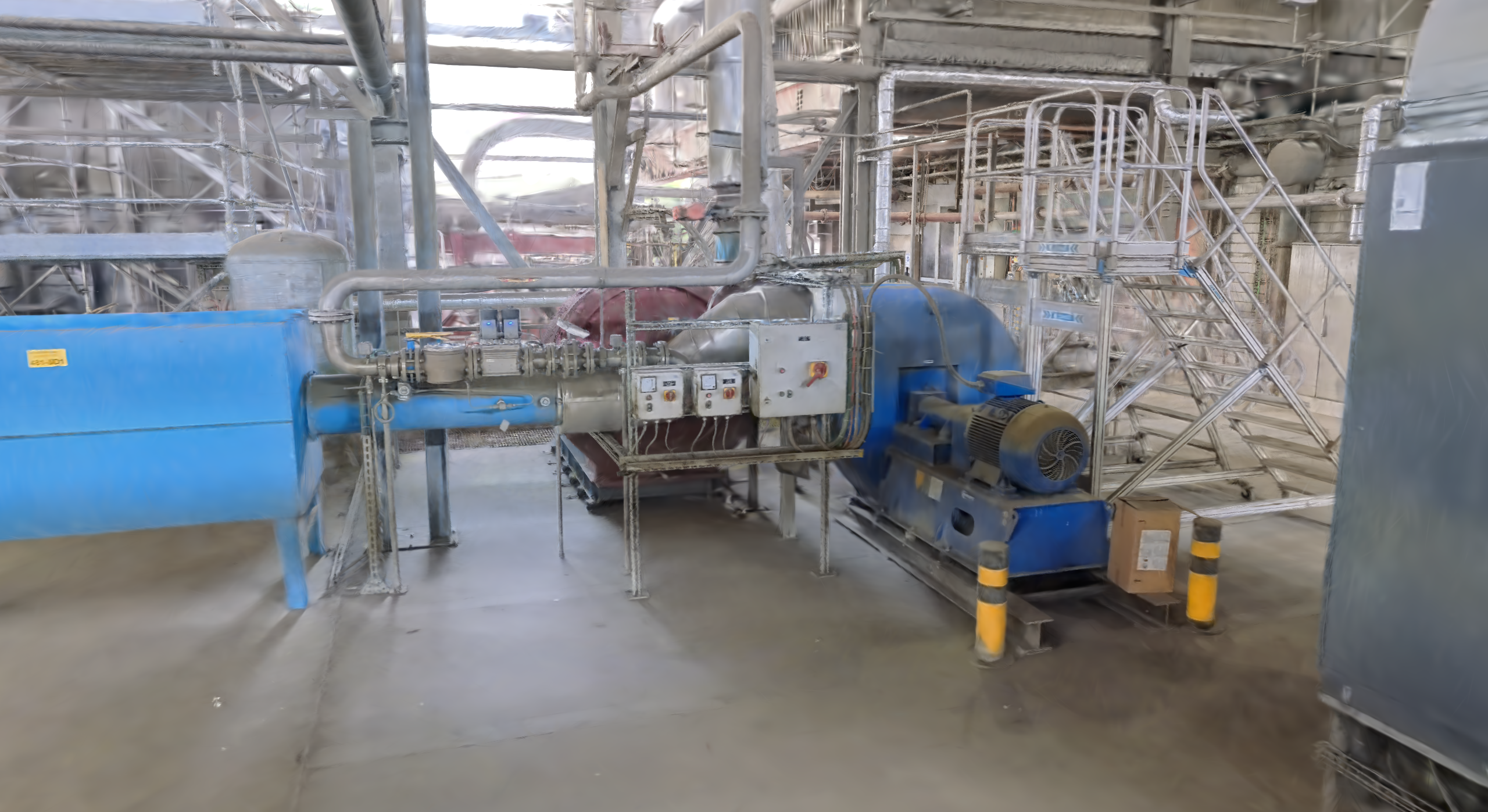
An oil leak is spotted.
Follow the job Click a stage to explore ↓
Enterprise process experienceWe’ve mapped SAP PM processes with business analysts, consolidated steps and automated handoffs.
05 · Work in its place
Equipment, documents and work, anchored in 3D.
06 · What this makes possible
Shared context for people and agents — at the desk, in AR and through robots.
See the complete journey
I43 · full film · with sound
CEMEX · Balcones
Choose an area for the first workflow.
Build the asset-data foundation.
exportStart with a priority capture area, then extend the asset foundation across the site.
Selected with the maintenance team.
Formal SAP integration follows.